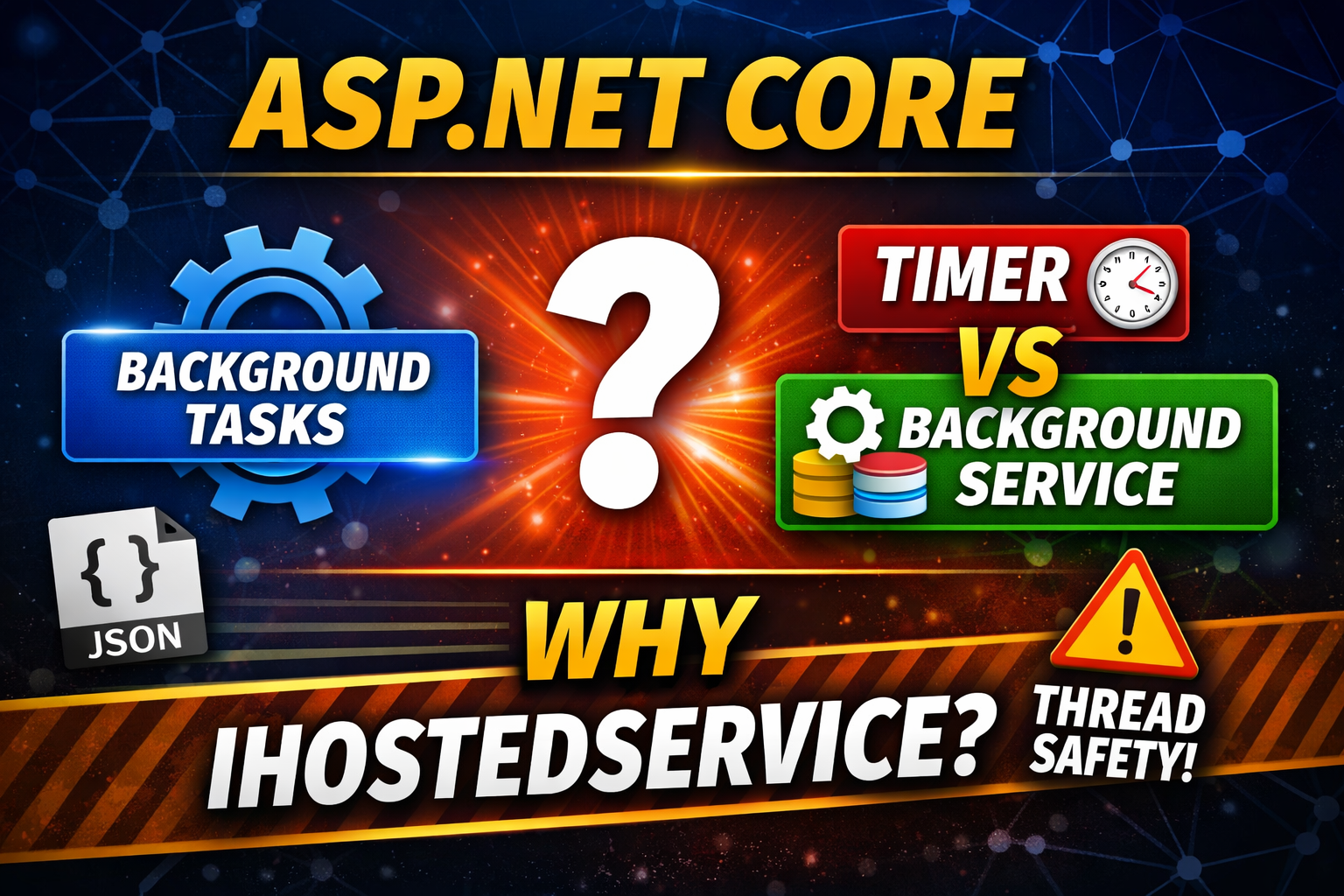
A typical web application follows the request–response model. A client sends a request, the server processes the request, and then returns a response.
So naturally we might think that if there is no request, no code will execute.
However many real-world applications need to run tasks continuously in the background.
ASP.NET Core provides the IHostedService interface to support such scenarios.
public interface IHostedService
{
    Task StartAsync(CancellationToken cancellationToken);
    Task StopAsync(CancellationToken cancellationToken);
}
StartAsync runs when the application starts and StopAsync runs when the application stops.
Add the hosted service inside Program.cs:
builder.Services.AddHostedService<ApplicationLifetimeService>();
public class ApplicationLifetimeService : IHostedService
{
    private readonly IHostApplicationLifetime _appLifetime;

    public ApplicationLifetimeService(IHostApplicationLifetime appLifetime)
    {
        _appLifetime = appLifetime;
    }

    public Task StartAsync(CancellationToken cancellationToken)
    {
        _appLifetime.ApplicationStopping.Register(OnStopping);
        _appLifetime.ApplicationStopped.Register(OnStopped);

        return Task.CompletedTask;
    }

    public Task StopAsync(CancellationToken cancellationToken)
    {
        return Task.CompletedTask;
    }

    private void OnStopping()
    {
        Console.WriteLine("ApplicationStopping event fired. Saving data...");
    }

    private void OnStopped()
    {
        Console.WriteLine("ApplicationStopped event fired.");
    }
}
public class ApplicationLifetimeService : IHostedService
{
    private readonly IHostApplicationLifetime _appLifetime;
    private readonly ILogger<ApplicationLifetimeService> _logger;

    public ApplicationLifetimeService(
        IHostApplicationLifetime appLifetime,
        ILogger<ApplicationLifetimeService> logger)
    {
        _appLifetime = appLifetime;
        _logger = logger;
    }

    public Task StartAsync(CancellationToken cancellationToken)
    {
        _logger.LogInformation("ApplicationLifetimeService starting.");

        _appLifetime.ApplicationStarted.Register(OnStarted);
        _appLifetime.ApplicationStopping.Register(OnStopping);
        _appLifetime.ApplicationStopped.Register(OnStopped);

        return Task.CompletedTask;
    }

    public Task StopAsync(CancellationToken cancellationToken)
    {
        _logger.LogInformation("StopAsync triggered.");
        return Task.CompletedTask;
    }

    private void OnStarted()
    {
        _logger.LogInformation("Application started.");
    }

    private void OnStopping()
    {
        _logger.LogInformation("Application stopping.");
    }

    private void OnStopped()
    {
        _logger.LogInformation("Application stopped.");
    }
}
A common approach is using System.Threading.Timer.
_timer = new Timer(DoWork, null, TimeSpan.Zero, TimeSpan.FromSeconds(5));
However timers run on the .NET ThreadPool. If the previous execution has not finished, another thread may start executing the callback.
This can cause thread-safety problems.
private readonly ConcurrentDictionary<string,int> _requestStats = new();

private void DoWork(object? state)
{
    string[] keys =
    {
        "India","Nepal","Bhutan","Sri-Lanka","Japan",
        "USA","UK","Canada","Australia","New-Zealand","Netherlands"
    };

    string key = keys[_random.Next(keys.Length)];

    _requestStats.AddOrUpdate(
        key,
        1,
        (k, oldValue) => oldValue + 1);

    _logger.LogInformation($"Stats updated for {key}");
}
To allow ASP.NET Core to run cleanup logic, the application should be stopped using Ctrl + C.
Stopping directly from Visual Studio kills the process immediately and lifecycle events may not execute.
ASP.NET Core provides a cleaner approach using BackgroundService.
public class ApplicationLifetimeService : BackgroundService
{
    private readonly ILogger<ApplicationLifetimeService> _logger;

    private readonly Dictionary<string, int> _requestStats = new();

    private readonly Random _random = new Random();

    public ApplicationLifetimeService(ILogger<ApplicationLifetimeService> logger)
    {
        _logger = logger;
    }

    protected override async Task ExecuteAsync(CancellationToken stoppingToken)
    {
        _logger.LogInformation("Background service started.");

        while (!stoppingToken.IsCancellationRequested)
        {
            DoWork();

            try
            {
                await Task.Delay(5000, stoppingToken);
            }
            catch (TaskCanceledException)
            {
            }
        }

        _logger.LogInformation("Background service stopping.");

        SaveDataToDisk();
    }

    private void DoWork()
    {
        string[] keys =
        {
            "India","Nepal","Bhutan","Sri-Lanka","Japan",
            "USA","UK","Canada","Australia","New-Zealand","Netherlands"
        };

        string key = keys[_random.Next(keys.Length)];

        if (_requestStats.ContainsKey(key))
            _requestStats[key]++;
        else
            _requestStats[key] = 1;

        _logger.LogInformation($"Stats updated for {key}");
    }

    private void SaveDataToDisk()
    {
        string json = JsonSerializer.Serialize(_requestStats, new JsonSerializerOptions
        {
            WriteIndented = true
        });

        File.WriteAllText("requestStats.json", json);
    }
}
{
  "Bhutan": 3,
  "Australia": 2,
  "UK": 1,
  "India": 3,
  "Nepal": 1,
  "New-Zealand": 1,
  "Sri-Lanka": 1
}
You can watch the full step-by-step explanation here:
I provide personal one-to-one training for developers who want to master:
Website:
https://supernovaservices.com
WhatsApp for training inquiries:
+91-9331897923
To keep every session productive and distraction-free, please follow these simple guidelines:
Following these guidelines helps you focus better and ensures I can deliver the best learning experience in every class.
I prefer to start with a short 10-minute free call so I can understand:
Why? Because course content, teaching pace, and fees all depend on your needs — there’s no “one-size-fits-all” pricing. Please leave your details below, and I’ll get back to you to arrange a convenient time for the call.
Note: Payment is made only after your first class or after a long telephonic conversation, once you’re completely satisfied. However, fees once paid is non-refundable. This helps maintain scheduling commitments and allows me to reserve your preferred time slot with full attention.
We would like to extend our sincere gratitude and appreciation to Mr. Sudipto of Supernova Services for a tremendous professionalism, for his unique ability in sharing and teaching technical concepts to us! The abundance and wealth of knowledge we have received during the last few years will never be forgotten. He is a superb mentor, really knows how to approach any topic and present it in such way to ensure his student’s full understanding. He really cares about his students, as I have witnessed firsthand, Mr. Sudipto very often went above and beyond the call of duty to assist. He is a great person, very passionate about technologies, with unique talents and ability to teach spanning many different topics and technologies! I wish we could rank his services higher than available 5 stars here, perhaps 50 stars. Mr. Sudipto and Supernova Services, you are the BEST! Thank you for everything!!!
Boris Olshansky

It was an awesome experience for me in improving, especially my technical skills to a new paradigm, I learned and benefited immensely from the course and Sudipto Sir. The course design is meticulously well planned, very updated, utmost industry oriented, International standard, .... and after all Sudipto Sir is superb .... extremely knowledgeable .... student friendly .... very easily he make someone understand with very own our real life examples .... I have been immensely benefited during my career with TCS ....
Siddhartha Mohanty
I had a great time doing this course and everyone involved in the SUPERNOVA has made it a great experience. I have been recommending everyone I know. Thank you for all the assistance and feedback, it has been delightful.
Avijit Chakraborty

Very easy to understand...Explanation is very good...Really enjoyed this course and learned lot of things from scratch..The tutor is obviously extremely skilled by going through this course we can have the ability to develop our own application...
Thanks to SUPERNOVA SERVICES
Priyesh Joseph

Best Dot Net mentor..... learned a lot and gain an immense knowledge from him..... the way he teaches everyone is really outstanding.... 🙂🙂
Sayantani Mandal

Mr. Sudipto Mukherjee is one of the best instructors I have ever come across. His way of training is nothing short of art. He will teach you why you need or not need to write a piece of code rather than just saying that it should be done, and that makes coding enjoyable and the code very performance oriented. If you want to really learn, you have to really become his friend... He will then take you to the deep end. I am saying this from personal experience.... Just one thing... He does not come cheap, but you get much more than what you have paid for.
Sampat Das

Excellent tutor! Let's just say that as a bio-math student, I had next to no experience at coding. A few classes with Mr.Sudipto, and bam! His teaching methods are extremely student-friendly and interactive - The classes are never monotonous, and every new task he presented was an interesting one to look forward to. Within no time, I could write programs of my own. Definite recommend!! 👍🏻
Juhi
