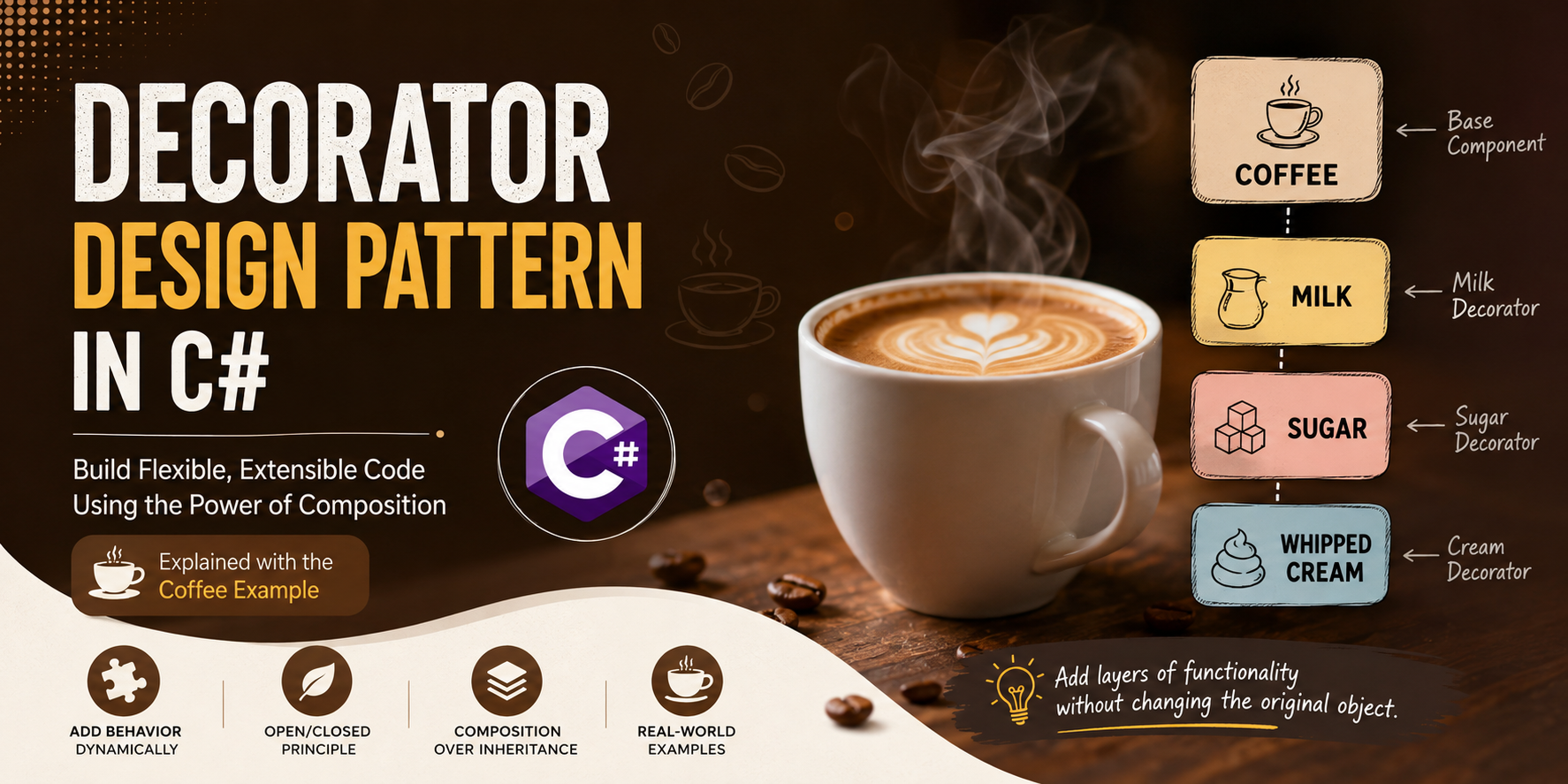
If you've ever ordered a coffee from a café, you've already used the Decorator Design Pattern without realizing it.
You begin with a simple coffee. Then you may ask for milk. Next, you add sugar. Perhaps you finish it with whipped cream or chocolate syrup.
Notice something interesting. The coffee itself never changes. Instead, each topping simply adds something extra to the existing coffee.
This is exactly what the Decorator Design Pattern does.
The Decorator Pattern is a Structural Design Pattern whose purpose is:
Add new functionality to an existing object dynamically without modifying its original class.
Instead of creating dozens of subclasses for every possible combination of features, we simply "wrap" an existing object with another object that adds extra behavior.
Imagine visiting your favourite coffee shop.
The shop offers a plain coffee for ₹100.
Now you have several choices.
Instead of creating separate classes like:
...the Decorator Pattern lets us build the coffee one layer at a time.
Simple Coffee

↓

Milk

↓

Sugar

↓

Whipped Cream
Every new ingredient wraps the previous coffee and adds its own behaviour.
public interface ICoffee
{
    string GetDescription();
    decimal GetCost();
}
Every coffee in our system must be able to tell us two things:
public class SimpleCoffee : ICoffee
{
    public string GetDescription()
    {
        return "Coffee";
    }

    public decimal GetCost()
    {
        return 100;
    }
}
This is our original object.
It knows absolutely nothing about milk, sugar or cream.
public abstract class CoffeeDecorator : ICoffee
{
    protected ICoffee coffee;

    protected CoffeeDecorator(ICoffee coffee)
    {
        this.coffee = coffee;
    }

    public virtual string GetDescription()
    {
        return coffee.GetDescription();
    }

    public virtual decimal GetCost()
    {
        return coffee.GetCost();
    }
}
Notice that the decorator itself also implements ICoffee.
More importantly, it contains another ICoffee.
This allows decorators to wrap decorators.
public class MilkDecorator : CoffeeDecorator
{
    public MilkDecorator(ICoffee coffee)
        : base(coffee)
    {
    }

    public override string GetDescription()
    {
        return coffee.GetDescription() + ", Milk";
    }

    public override decimal GetCost()
    {
        return coffee.GetCost() + 20;
    }
}
Milk doesn't replace the coffee.
It simply asks the existing coffee for its price, then adds ₹20.
public class SugarDecorator : CoffeeDecorator
{
    public SugarDecorator(ICoffee coffee)
        : base(coffee)
    {
    }

    public override string GetDescription()
    {
        return coffee.GetDescription() + ", Sugar";
    }

    public override decimal GetCost()
    {
        return coffee.GetCost() + 10;
    }
}
ICoffee coffee = new SimpleCoffee();

coffee = new MilkDecorator(coffee);

coffee = new SugarDecorator(coffee);

Console.WriteLine(coffee.GetDescription());

Console.WriteLine(coffee.GetCost());
Output:
Coffee, Milk, Sugar

130
Let's understand what happens internally.
Initially:
SimpleCoffee
After adding milk:
MilkDecorator
      │
      ▼
SimpleCoffee
After adding sugar:
SugarDecorator
      │
      ▼
MilkDecorator
      │
      ▼
SimpleCoffee
The outermost object is now SugarDecorator.
When we call:
coffee.GetCost();
The call travels through every layer.
SugarDecorator.GetCost()

↓

MilkDecorator.GetCost()

↓

SimpleCoffee.GetCost()

↓

100

↑

Milk adds 20

↑

Sugar adds 10

↑

130
Each decorator performs its own work before returning the final result.
Imagine your coffee shop keeps introducing new toppings.
If inheritance were used, you would eventually need classes like:
The number of subclasses grows rapidly.
This is known as the class explosion problem.
The Decorator Pattern completely avoids this issue by combining decorators dynamically at runtime.
The Decorator Pattern appears in many places within the .NET ecosystem.
FileStream

↓

BufferedStream

↓

StreamReader
Each stream wraps another stream while adding additional functionality.
Each layer enhances the previous one without modifying it.
| Inheritance | Decorator |
|---|---|
| Behaviour fixed at compile time | Behaviour added at runtime |
| Many subclasses | Few reusable decorators |
| Difficult to extend | Easy to extend |
| Can cause class explosion | Avoids class explosion |
| Less flexible | Highly flexible |
Choose the Decorator Pattern whenever:
The Decorator Pattern is one of the most elegant design patterns because it promotes composition over inheritance.
Rather than creating new subclasses every time a new feature is introduced, we simply wrap an existing object with another object that enhances its behaviour.
The coffee example perfectly demonstrates this idea:
Simple Coffee

↓

Milk

↓

Sugar

↓

Whipped Cream
Each decorator adds only one responsibility while keeping the original coffee completely unchanged.
Once you understand this simple example, you'll begin to recognize the Decorator Pattern in many real-world .NET classes such as BufferedStream, StreamReader, and numerous middleware and pipeline-based frameworks.
To keep every session productive and distraction-free, please follow these simple guidelines:
Following these guidelines helps you focus better and ensures I can deliver the best learning experience in every class.
I prefer to start with a short 10-minute free call so I can understand:
Why? Because course content, teaching pace, and fees all depend on your needs — there’s no “one-size-fits-all” pricing. Please leave your details below, and I’ll get back to you to arrange a convenient time for the call.
Note: Payment is made only after your first class or after a long telephonic conversation, once you’re completely satisfied. However, fees once paid is non-refundable. This helps maintain scheduling commitments and allows me to reserve your preferred time slot with full attention.

We would like to extend our sincere gratitude and appreciation to Mr. Sudipto of Supernova Services for a tremendous professionalism, for his unique ability in sharing and teaching technical concepts to us! The abundance and wealth of knowledge we have received during the last few years will never be forgotten. He is a superb mentor, really knows how to approach any topic and present it in such way to ensure his student’s full understanding. He really cares about his students, as I have witnessed firsthand, Mr. Sudipto very often went above and beyond the call of duty to assist. He is a great person, very passionate about technologies, with unique talents and ability to teach spanning many different topics and technologies! I wish we could rank his services higher than available 5 stars here, perhaps 50 stars. Mr. Sudipto and Supernova Services, you are the BEST! Thank you for everything!!!
Boris Olshansky

It was an awesome experience for me in improving, especially my technical skills to a new paradigm, I learned and benefited immensely from the course and Sudipto Sir. The course design is meticulously well planned, very updated, utmost industry oriented, International standard, .... and after all Sudipto Sir is superb .... extremely knowledgeable .... student friendly .... very easily he make someone understand with very own our real life examples .... I have been immensely benefited during my career with TCS ....
Siddhartha Mohanty

I had a great time doing this course and everyone involved in the SUPERNOVA has made it a great experience. I have been recommending everyone I know. Thank you for all the assistance and feedback, it has been delightful.
Avijit Chakraborty

Very easy to understand...Explanation is very good...Really enjoyed this course and learned lot of things from scratch..The tutor is obviously extremely skilled by going through this course we can have the ability to develop our own application...
Thanks to SUPERNOVA SERVICES
Priyesh Joseph

Best Dot Net mentor..... learned a lot and gain an immense knowledge from him..... the way he teaches everyone is really outstanding.... 🙂🙂
Sayantani Mandal

Mr. Sudipto Mukherjee is one of the best instructors I have ever come across. His way of training is nothing short of art. He will teach you why you need or not need to write a piece of code rather than just saying that it should be done, and that makes coding enjoyable and the code very performance oriented. If you want to really learn, you have to really become his friend... He will then take you to the deep end. I am saying this from personal experience.... Just one thing... He does not come cheap, but you get much more than what you have paid for.
Sampat Das

Excellent tutor! Let's just say that as a bio-math student, I had next to no experience at coding. A few classes with Mr.Sudipto, and bam! His teaching methods are extremely student-friendly and interactive - The classes are never monotonous, and every new task he presented was an interesting one to look forward to. Within no time, I could write programs of my own. Definite recommend!! 👍🏻
Juhi
